

Table of Contents
What Does It Mean to Monitor a WordPress Site
Monitoring a WordPress site means continuously tracking its performance, security, uptime, and overall health to ensure it runs smoothly without interruptions. It involves using tools and techniques to detect issues early, fix errors quickly, and maintain a high-quality user experience. Regular monitoring helps website owners prevent downtime, improve speed, and protect their site from cyber threats.
Key aspects of monitoring:
- Tracking website uptime and availability
- Measuring page speed and performance
- Monitoring security threats and vulnerabilities
- Checking SEO performance
- Analyzing traffic and visitor behavior
- Detecting errors and bugs
- Monitoring database health
- Ensuring server stability
Why Monitoring a WordPress Website Is Important
Prevents Downtime: Ensures your website stays online and accessible
Improves Performance: Helps maintain fast loading speed
Enhances Security: Detects malware and threats early
Better User Experience: Smooth browsing keeps users engaged
SEO Benefits: Search engines favor stable and fast websites
Early Issue Detection: Identifies problems before they escalate
Data-Driven Decisions: Provides insights for improvement
Business Continuity: Avoids revenue loss due to site issues
Key Metrics to Monitor in a WordPress Site
| Metric | Description | Importance |
| Uptime | Website availability | Ensures accessibility |
| Load Time | Page loading speed | Impacts user experience |
| Bounce Rate | Users leaving quickly | Indicates engagement |
| Traffic | Number of visitors | Measures popularity |
| Error Rate | Broken pages/issues | Affects usability |
| Security Alerts | Threat detection | Protects data |
| SEO Ranking | Search engine position | Drives traffic |
| Server Response Time | Speed of server reply | Performance indicator |
| Database Size | Storage usage | Affects speed |
| Conversion Rate | Goal completion | Business success |
Website Uptime Monitoring for WordPress
- Tracks whether your site is online or offline
- Sends alerts when downtime occurs
- Helps maintain reliability
- Monitors uptime percentage (e.g., 99.9%)
- Ensures better user trust
- Essential for business websites

Performance Monitoring: Speed and Load Time
| Factor | Description | Impact |
| Page Load Time | Time to fully load page | User retention |
| Time to First Byte (TTFB) | Server response speed | Performance |
| Image Optimization | Size of images | Faster loading |
| Caching | Stored data for speed | Reduces load time |
| CDN Usage | Content delivery network | Global speed |
| Script Optimization | CSS/JS efficiency | Smooth performance |
| Mobile Speed | Performance on phones | Mobile users |
| Core Web Vitals | Google metrics | SEO ranking |
Security Monitoring and SEO Monitoring for WordPress Sites
| Type | Feature | Benefit |
| Security | Malware scanning | Prevents attacks |
| Security | Firewall protection | Blocks threats |
| Security | Login monitoring | Detects suspicious activity |
| Security | Backup alerts | Data safety |
| SEO | Keyword tracking | Improves ranking |
| SEO | Broken link check | Better UX |
| SEO | Sitemap monitoring | Search visibility |
| SEO | Page indexing | Google presence |
Traffic and Visitor Monitoring in WordPress
| Metric | Description | Benefit |
| Visitors | Total users | Growth tracking |
| Page Views | Pages visited | Engagement |
| Session Duration | Time spent | Content quality |
| Traffic Source | Where users come from | Marketing insight |
| Device Type | Mobile/desktop | Optimization |
| Location | User geography | Targeting |
| Bounce Rate | Quick exits | UX improvement |
| New vs Returning | User loyalty | Retention |
Error Monitoring and Debugging in WordPress
| Error Type | Description | Solution |
| 404 Errors | Page not found | Fix links |
| 500 Errors | Server issues | Check hosting |
| Plugin Conflicts | Feature clashes | Disable plugins |
| Theme Issues | Design errors | Update theme |
| Database Errors | Connection problems | Repair DB |
| PHP Errors | Code issues | Debug code |
| Slow Queries | DB inefficiency | Optimize queries |
| Broken Links | Invalid URLs | Update links |
Database Monitoring and Server Monitoring for WordPress
| Category | Metric | Importance |
| Database | Size | Affects speed |
| Database | Query Speed | Performance |
| Database | Optimization | Efficiency |
| Server | CPU Usage | Resource management |
| Server | RAM Usage | Stability |
| Server | Disk Space | Storage health |
| Server | Response Time | Speed |
| Server | Downtime Logs | Reliability |
Best Tools for Monitoring a WordPress Site
| Tool | Feature | Use |
| Google Analytics | Traffic tracking | Visitor insights |
| Google Search Console | SEO monitoring | Search performance |
| UptimeRobot | Uptime alerts | Downtime tracking |
| GTmetrix | Speed analysis | Optimization |
| Pingdom | Performance & uptime | Reliability |
| Sucuri | Malware protection | Security |
| Wordfence | Firewall & scanning | Protection |
| New Relic | Deep performance | Advanced monitoring |
| ManageWP | Site management | Central control |
| Jetpack | Security + performance | All-in-one tool |
How to Set Up Monitoring for Your WordPress Website
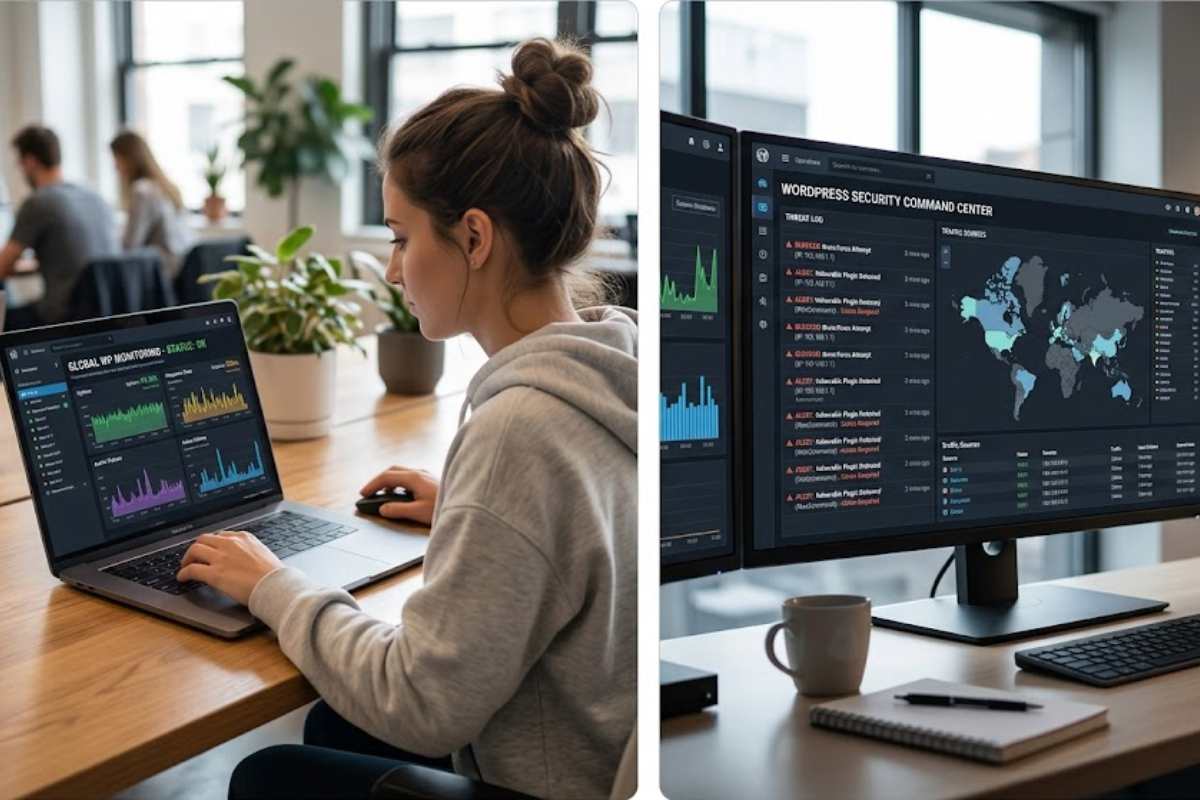
Setting up monitoring for your WordPress site involves choosing the right tools and configuring them to track key metrics. With proper setup, you can receive alerts, analyze performance, and maintain site health effectively.
Step-by-step:
- Choose monitoring tools based on your needs
- Install plugins or connect external tools
- Set up uptime monitoring alerts
- Configure performance tracking
- Enable security scans and firewalls
- Connect SEO tools
- Monitor traffic analytics
- Review reports regularly
Common Issues Detected Through WordPress Monitoring
- Website downtime
- Slow loading pages
- Security breaches
- Broken links
- Plugin conflicts
- Server overload
- Database errors
- SEO issues
Best Practices for Effective WordPress Site Monitoring
- Monitor your site regularly
- Use multiple tools for accuracy
- Set real-time alerts
- Keep plugins and themes updated
- Optimize database frequently
- Backup your website regularly
- Analyze reports and take action
- Focus on both performance and security
Conclusion
Monitoring a WordPress site is essential for maintaining performance, security, and user experience. By tracking key metrics and using the right tools, website owners can detect issues early and ensure smooth operation. A well-monitored site not only improves reliability but also boosts SEO and business success.
FAQs
- Why is WordPress monitoring important?
It helps maintain performance, security, and uptime.
- Which tool is best for monitoring WordPress?
Tools like Google Analytics and UptimeRobot are widely used.
- How often should I monitor my site?
Ideally, continuously with automated tools.
- Can monitoring improve SEO?
Yes, it helps maintain speed and fix errors.
- Is monitoring necessary for small websites?
Yes, even small sites need performance and security checks.