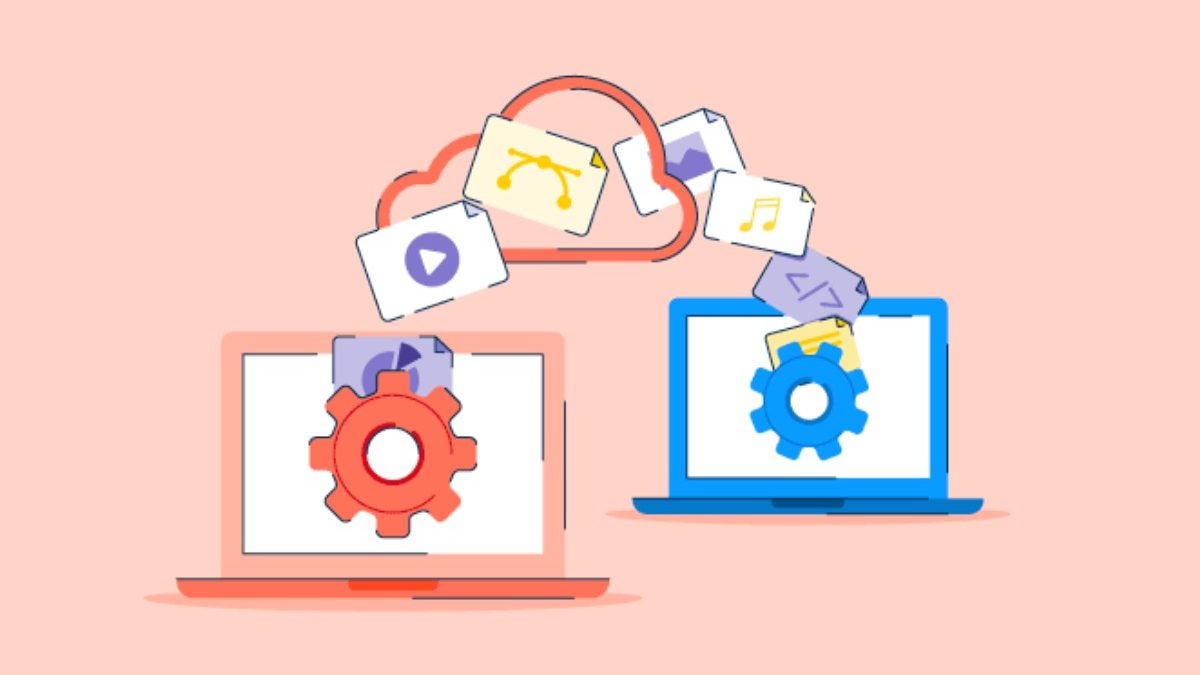

When you need to send large files and your email just laughs at you for trying to attach a 2GB video, about SwissTransfer becomes a topic worth exploring. This Swiss-made file transfer service has been gaining traction as a privacy-focused alternative to the usual suspects in the file-sharing world.
This article belongs to Tech
Table of Contents
What Makes SwissTransfer Different
SwissTransfer is a free file transfer service created by Infomaniak, a Swiss hosting company that’s been around since 1994. The platform lets you send files up to 50GB without creating an account, paying fees, or compromising your privacy.
The Swiss angle isn’t just marketing fluff. Switzerland has some of the strictest privacy laws globally, and SwissTransfer operates under these regulations. Your files aren’t mined for data, scanned for advertising purposes, or used to build a profile on you.
Here’s what you get out of the box:
- 50GB transfer limit per send (that’s massive compared to most free options)
- 30-day storage for your files
- End-to-end encryption available as an option
- No registration required for basic use
- Ad-free interface that doesn’t feel like a minefield
How the File Transfer Process Works
Using SwissTransfer is refreshingly straightforward. You head to their website, drag and drop your files, add recipient email addresses, and hit send. No account setup, no tutorial videos needed.
The platform generates a unique download link that gets sent to your recipients. They click the link, download the files, and you’re done. Simple as that.
Want more control? You can customize several options:
Set a custom expiration date if you don’t want files hanging around for the full 30 days. Add password protection for sensitive documents. Include a personal message explaining what you’re sending. Enable email notifications when recipients download your files.
Privacy Features That Actually Matter
Let’s talk about what happens to your data. When you upload files to SwissTransfer, they’re stored on servers physically located in Switzerland. This means Swiss data protection laws apply, not the more relaxed standards you’ll find elsewhere.
The platform offers end-to-end encryption through their optional password protection feature. When enabled, your files are encrypted on your device before being uploaded. Even Infomaniak can’t access the contents—only someone with the password can decrypt and view the files.
SwissTransfer also commits to:
- Zero tracking of user behavior
- No data mining or profiling
- No third-party advertising networks
- Automatic file deletion after expiration
- No permanent storage of transferred files
Comparing Transfer Limits and Features
Most email providers cap attachments at 25MB. Cloud storage services often require both sender and recipient to have accounts. WeTransfer’s free tier maxes out at 2GB. Dropbox Transfer goes up to 100MB on free plans.
SwissTransfer’s 50GB limit crushes these options for large file transfers. You can send entire video projects, high-resolution photo collections, software builds, or design portfolios without compression or splitting files.
The 30-day storage window gives recipients plenty of time to download without rushing. Some services delete files after just 7 days, which can be problematic if someone’s on vacation or dealing with time zone differences.
When to Use SwissTransfer vs. Other Options
Choose SwissTransfer when:
- Sending large files (anything over 2GB)
- Privacy is a priority
- Recipients don’t want to create accounts
- You need files available for weeks, not days
- Working with clients in privacy-conscious industries
Consider alternatives when:
- You need permanent cloud storage (use Dropbox, Google Drive)
- Collaborating on files with version control (try Google Workspace)
- Sending to large groups regularly (look at enterprise solutions)
- You need advanced permissions and access controls
Mobile Experience and Accessibility
SwissTransfer works through any web browser, which means it functions on smartphones and tablets without dedicated apps. The mobile web interface adapts well to smaller screens, making it easy to send files from your phone.
You can receive a transfer link via email on your phone and download files directly to your device. This comes in handy when you’re traveling or working remotely without laptop access.
The platform supports all major file types—documents, images, videos, compressed archives, code repositories, whatever you need to send.
Business Use Cases Worth Knowing
- Creative agencies use SwissTransfer to deliver final assets to clients without forcing them into specific platforms or subscriptions.
- Freelancers send project files, raw footage, and design mockups while maintaining professional privacy standards.
- Remote teams share large datasets, backup files, and resource libraries when cloud storage quotas are maxed out.
- Legal and healthcare professionals appreciate the Swiss privacy framework when sharing sensitive documents that don’t contain personal health information requiring HIPAA compliance.
Practical Tips for Better Transfers
Compress files when possible to speed up uploads and downloads. Even with a 50GB limit, a compressed folder transfers faster than loose files.
Use descriptive filenames so recipients know what they’re downloading. “Project_Final_V3.zip” beats “Download.zip” every time.
Include context in your message field. A quick note explaining what the files are and what recipients should do with them prevents confusion.
Enable download notifications if you need confirmation that files were received. This creates an automatic paper trail without follow-up emails.
Common Questions About SwissTransfer
Is SwissTransfer really free?
Yes, completely free for files up to 50GB. There’s no premium tier trying to upsell you.
How secure are my files?
Files stored on Swiss servers under strict privacy laws. Optional password protection adds end-to-end encryption.
Can recipients see my email address?
Only if you include it in the message field. The service doesn’t automatically expose sender details.
What happens after 30 days?
Files are automatically and permanently deleted from SwissTransfer servers. No recovery option exists.
Do recipients need to install anything?
Nope. They just click the link and download through their browser.
Can I track who downloaded my files?
If you enable notifications, you’ll get an email when someone downloads. No detailed analytics though.
Making the Most of Free File Transfer
SwissTransfer fills a specific need—sending large files quickly and privately without platform lock-in. It’s not trying to replace your cloud storage or project management tools. It’s just really good at one thing: getting big files from point A to point B.
For anyone who regularly hits email attachment limits or values privacy in their digital communications, knowing about SwissTransfer gives you another solid option in your file-sharing toolkit.